" "

Self-Service Security Management Guide

Many site managers operate in the dark, unsure whether their security system is working until a crime happens. When your perimeter is supposed to protect valuable inventory, equipment, and your peace of mind, that uncertainty is unacceptable.

Self-service security does not mean you are on your own. It means having total transparency and administrative control over your security vendor. AMAROK built The ROK customer portal to bridge the gap between reactive waiting and proactive management, giving you the tools to verify that your perimeter is protected every single day.

This self-service security management guide walks you through everything you need to know about using The ROK to take ownership of your site’s protection.

Getting Started With The ROK: Account Setup and Navigation

The ROK serves as your central command hub for administrative control over your AMAROK security system. Unlike your alarm keypad, which handles arm/disarm functions, The ROK puts account management, reporting, and service scheduling at your fingertips through a security system self-service portal accessible from any device.

User management is one of The ROK’s most powerful features. When staff turnover occurs, you can add or remove users immediately rather than waiting for a phone call. This prevents unauthorized internal access from former employees, a critical concern when you consider that insider knowledge often contributes to theft incidents.

The at-a-glance dashboard displays fence utilization statistics and alarm history instantly. Instead of requesting manual reports and waiting days for data, you have real-time visibility into how your system is performing. 

System Health Checks: DIY Monitoring and Status Verification

When it comes to perimeter security, making assumptions is dangerous. Your system should be armed, communicating, and delivering full deterrence at all times, but you cannot know this without verification. The ROK enables you to confirm system status without guesswork.

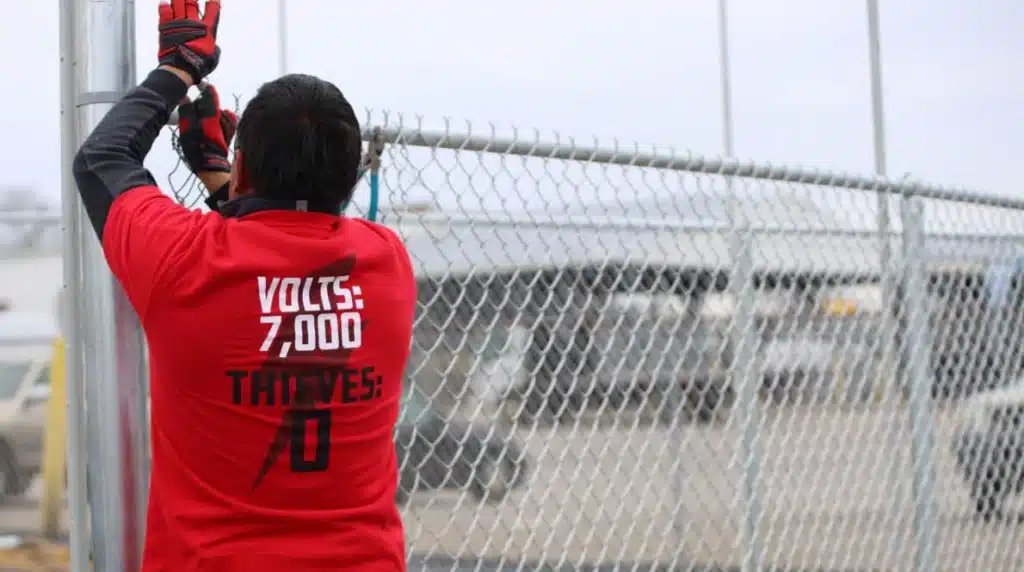
Through the portal, you can verify that your electric fence is armed and communication links are active. This feature prevents the “silent failure” scenario where equipment stops functioning without anyone noticing until a breach occurs. You can check fence voltage readings to ensure the 7,000-volt pulse is operating at full deterrence.

Cellular and network connectivity status is also visible in The ROK. A security system that cannot communicate with the monitoring team provides no protection. Routine status checks through the portal confirm that your perimeter is connected and ready to respond. 

Common Troubleshooting Procedures for Electric Fence Systems

Even the most reliable security systems require occasional attention. Understanding how to interpret status indicators and address common issues helps you maintain optimal protection while knowing when to call for professional support. This electric fence troubleshooting guide covers the basics every site manager should know.

The "Check Engine" Light

Your energizer and The ROK dashboard display status indicators that communicate system health. Think of these as your “check engine” light for perimeter security. Green indicators mean normal operation, while yellow and red alerts require attention. The ROK provides plain-language explanations for common error codes, helping you understand what your system needs.

Vegetation and debris contact is one of the most common causes of electric fence faults. Before calling a technician, walk your fence line and look for overgrown vegetation, fallen branches, or accumulated debris touching the wires. Clearing these obstructions often resolves fault alerts immediately. AMAROK offers a vegetation control service if ongoing maintenance support is needed.

Heavy storms and wind events can affect perimeter integrity. After severe weather, perform a visual inspection of your fence line looking for downed branches, damaged posts, or compromised wire tension. The ROK will show any alarm events that occurred during the storm. With this report, you can document any physical damage for technician follow-up.

Remote Monitoring Through Your Portal: Mobile App and Web Interface

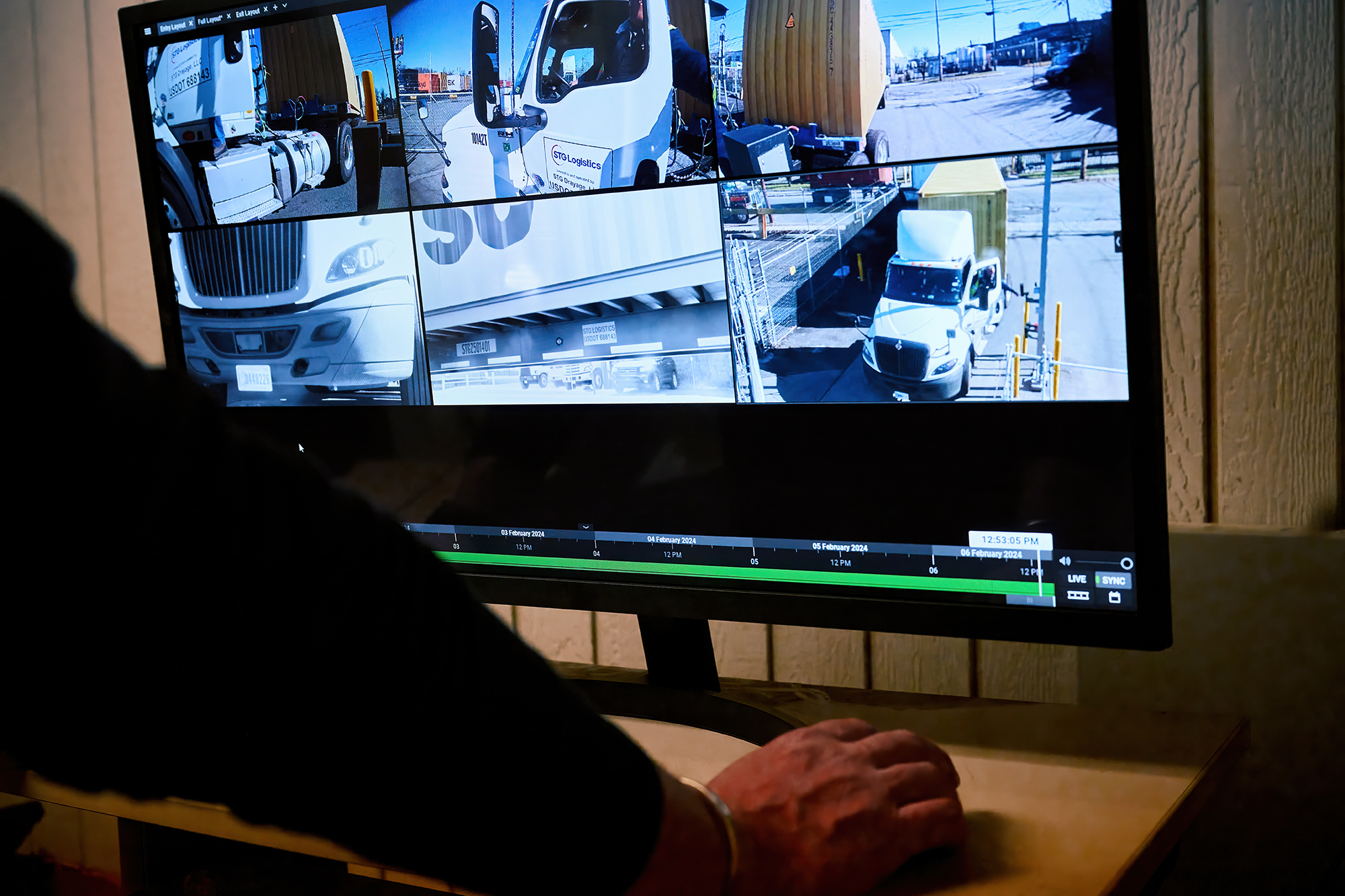
Security management requires flexibility. Security portal remote monitoring through The ROK gives you visibility into your perimeter protection, whether you’re on-site, at home, or traveling between locations.

The mobile-friendly interface lets you manage administrative tasks on the move. Update call lists, submit service tickets, and check system status from your smartphone or tablet. For regional managers overseeing multiple properties, The ROK consolidates all locations into a single feed. You can view status across your entire portfolio without logging in and out of separate accounts.

Real-time ticket status updates keep you informed as service requests progress through the system. When a technician is dispatched or work is completed, you see the update immediately rather than waiting for a callback or email notification.
Remote Monitoring
Security Assessment

Scheduled Maintenance Tasks: What You Can Do vs. When to Call Support

Effective self-service security management requires understanding the boundary between customer responsibilities and tasks requiring professional service. Maintenance tasks that fall within the site manager’s responsibility include:

  • Visual inspection of the fence line for damage, vegetation contact, or signs of tampering
  • Gate track cleaning to ensure smooth operation and proper closure
  • Signage verification to confirm warning signs remain visible and undamaged
  • System status verification through The ROK dashboard

However, certain tasks require professional expertise and specialized equipment. Contact AMAROK support for any internal wiring issues, energizer repairs, damage to fence components, or system modifications. Attempting these repairs without proper training voids your service agreement and creates safety hazards.

Use The ROK to schedule work orders directly with the dispatch team, and an AMAROK technician will handle the repair properly.

Security Event Management: Reviewing Alerts and System Notifications

Perimeter security system alerts only protect your property if the right people receive them. The ROK gives you complete control over who gets notified and how. 

Your call list determines who receives alarm notifications and in what order. You wouldn’t want security personnel not to receive breach attempt notifications or for former employees to receive alarm calls. Through The ROK, you can manage these lists directly. When an employee leaves your organization, you should immediately remove them from this list. 

You can download CSV or PDF reports of all alarm activity to show leadership or insurance carriers that your system is properly armed and actively managed. This documentation is invaluable during claims processes or security reviews.

The Dangers of Security Alert Fatigue
Talk to an AMAROK Expert Today

Take Control of Your Perimeter Security Today

The difference between hoping your security works and knowing it works comes down to visibility. The ROK delivers that visibility through instant access to system status, streamlined communication with AMAROK’s service team, and complete administrative control over your security investment.

AMAROK’s solutions, including The Electric Guard Dog™ Fence, prevent 99% of external theft after installation. Customers across 49 states trust us to protect their properties with multi-layered security solutions that include the electric fence, perimeter alarm-based lighting, and professional monitoring. The ROK allows you to keep tabs on and manage all aspects of your unified security system.

Log in to The ROK today to take control of your security. Contact us for nationwide support or call to request a training refresher and maximize your system’s potential.

IS YOUR PROPERTY AN EASY TARGET?

NEW! eGuide: Spot Weaknesses Before Thieves Do

Think Like a Criminal, Defend Like a Pro

A Live Threat Assessment

Add Your Heading Text Here

Lorem ipsum dolor sit amet, consectetur adipiscing elit. Ut elit tellus, luctus nec ullamcorper mattis, pulvinar dapibus leo.