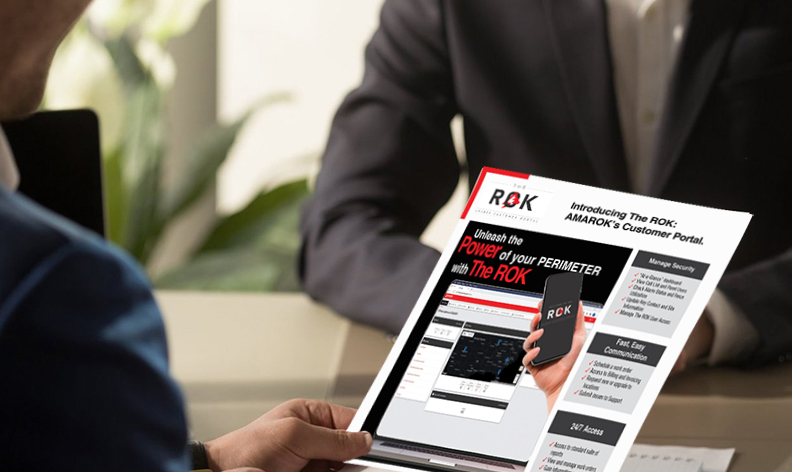
Gain information on the latest security solutions and industry information
Key Features
1: Schedule a Work Order
Schedule a work order with a technician directly from the ROK. This feature will bypass the administrative tasks within service and support and go straight to scheduling for faster turnaround.
2: Call List & Panel Users
You now have visibility to see who is on your call list, the method of contact, the priority of contact, and who has access to the panel(s). For security, we will not display their panel number. We’ve also made it very easy to request changes to these two lists right from The ROK.
3: Enhanced Reporting
Available reports range from Fence Utilization to All Activity at each site. Reports can be filtered, sorted, and downloaded for any analysis you may need.